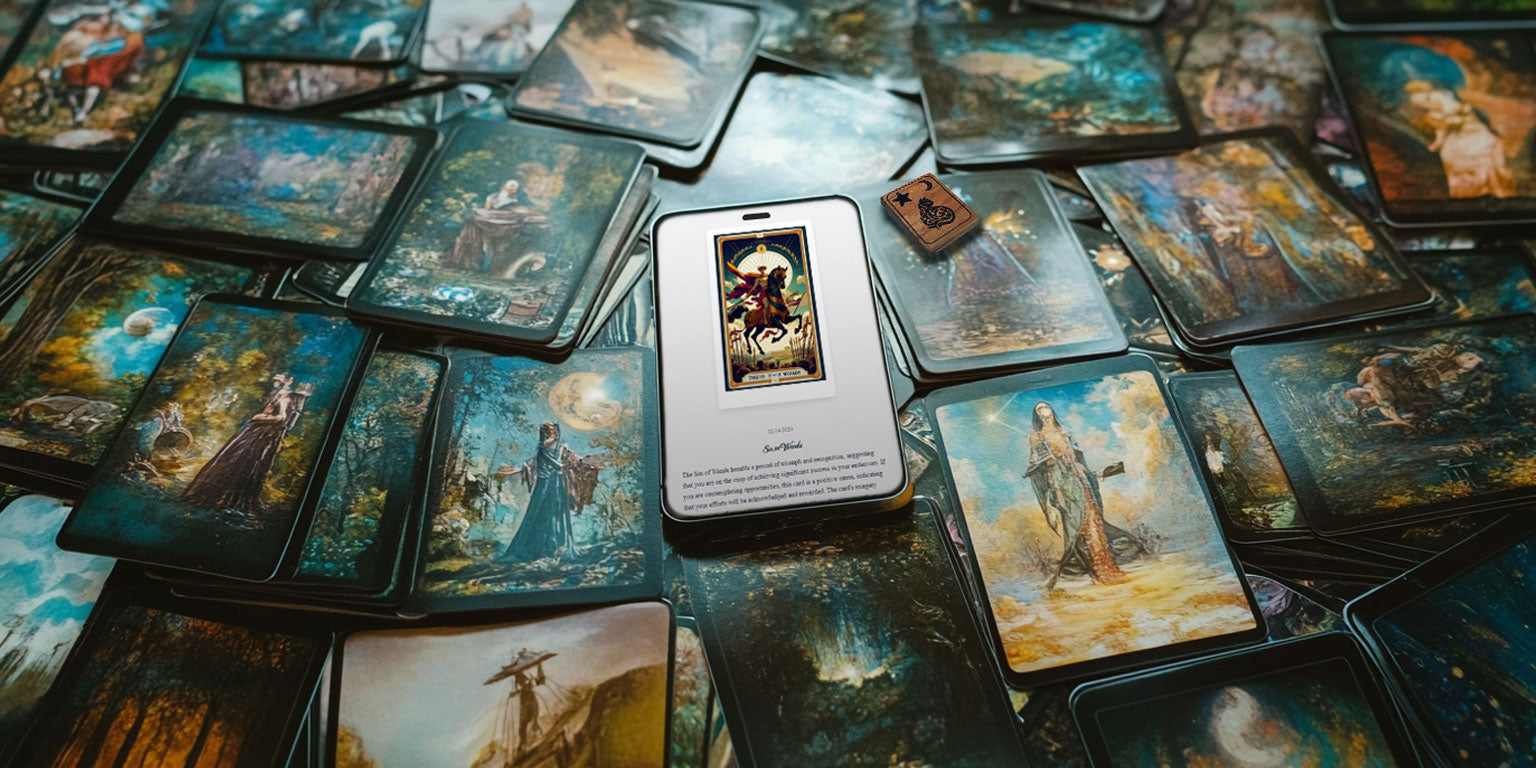
Magic to use.

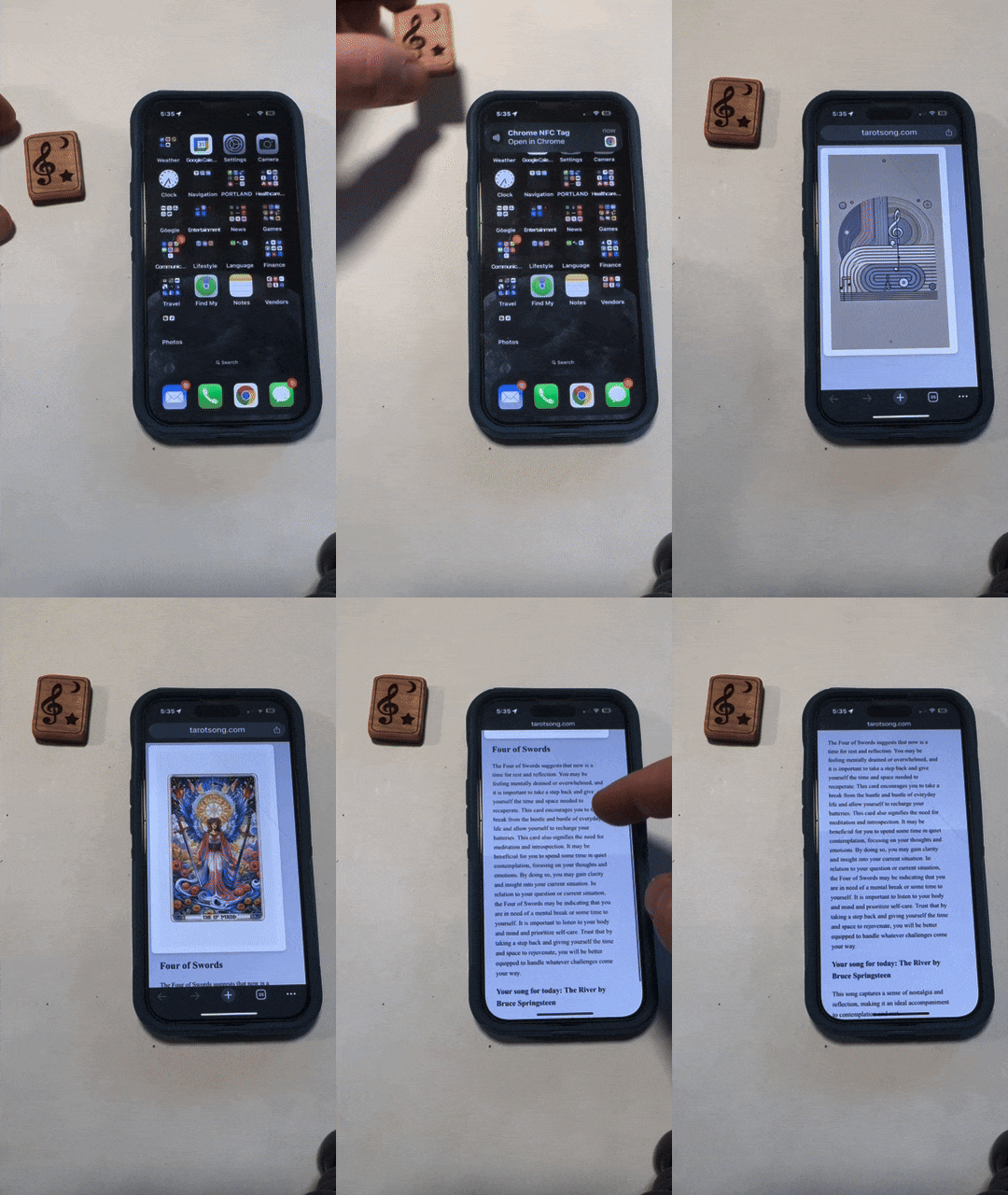
Simple steps to use:

  1. Unlock your phone (go to your home screen)
  2. iPhone: hold the top edge of the phone to the tile. Android: NFC on, try the back.
  3. Tap the notification
  4. Touch your card to reveal your card of the day

Each daily card also includes:

  • Card Image
  • Card Title
  • Description & Interpretation
  • Symbolism & Insights
  • Theme Song
See a sample reading!

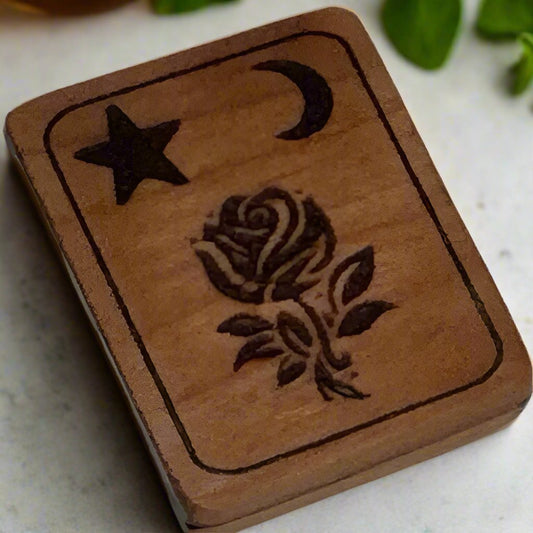
Pick a deck. Tap the wood.

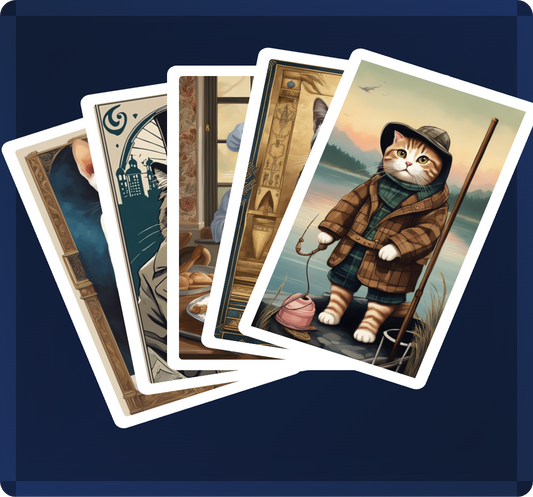
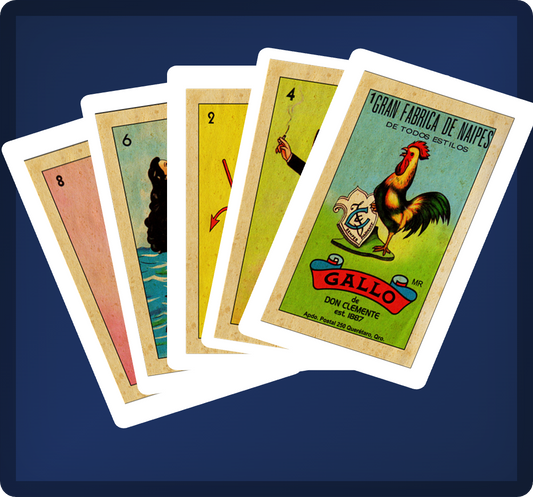
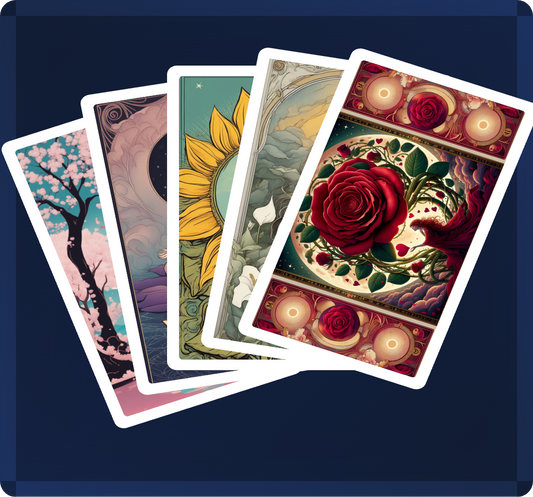
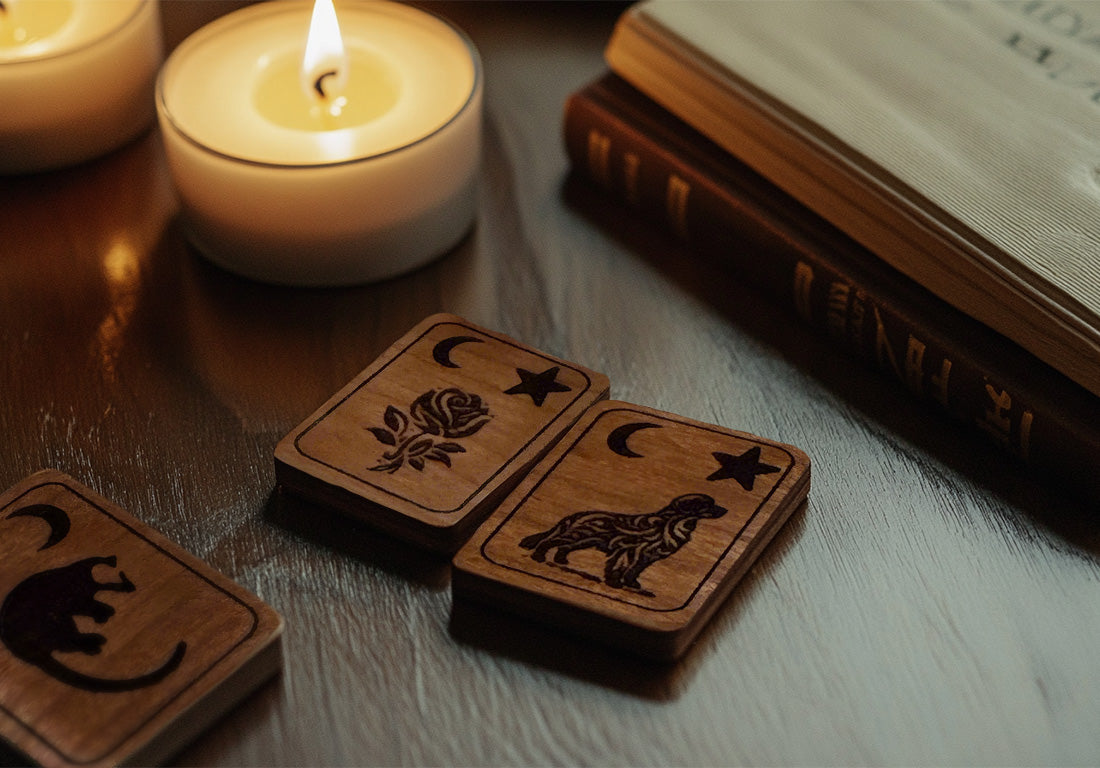
Cat. Flower. Loteria. Traditional. The tile is the whole deck. Hold it to your phone. A card for today. No app.
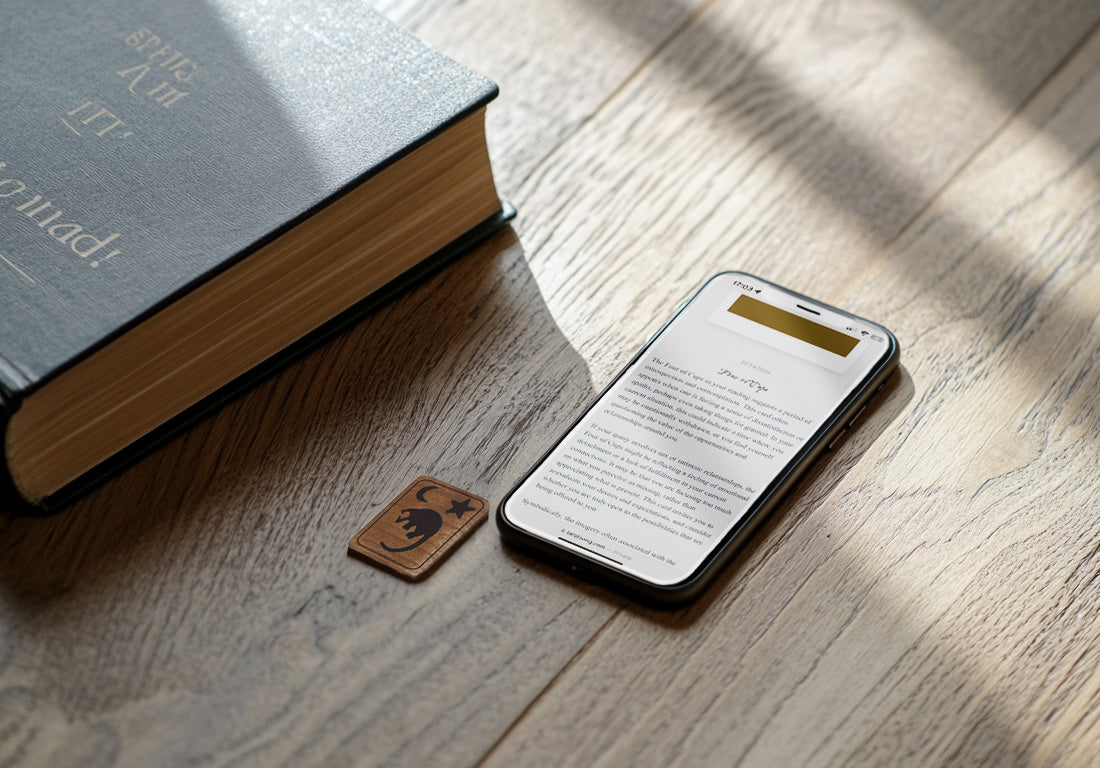
A real reading. Not a keyword.

Image. Meaning. What the card is doing on the table. Sit with it. Or pocket the tile and go.
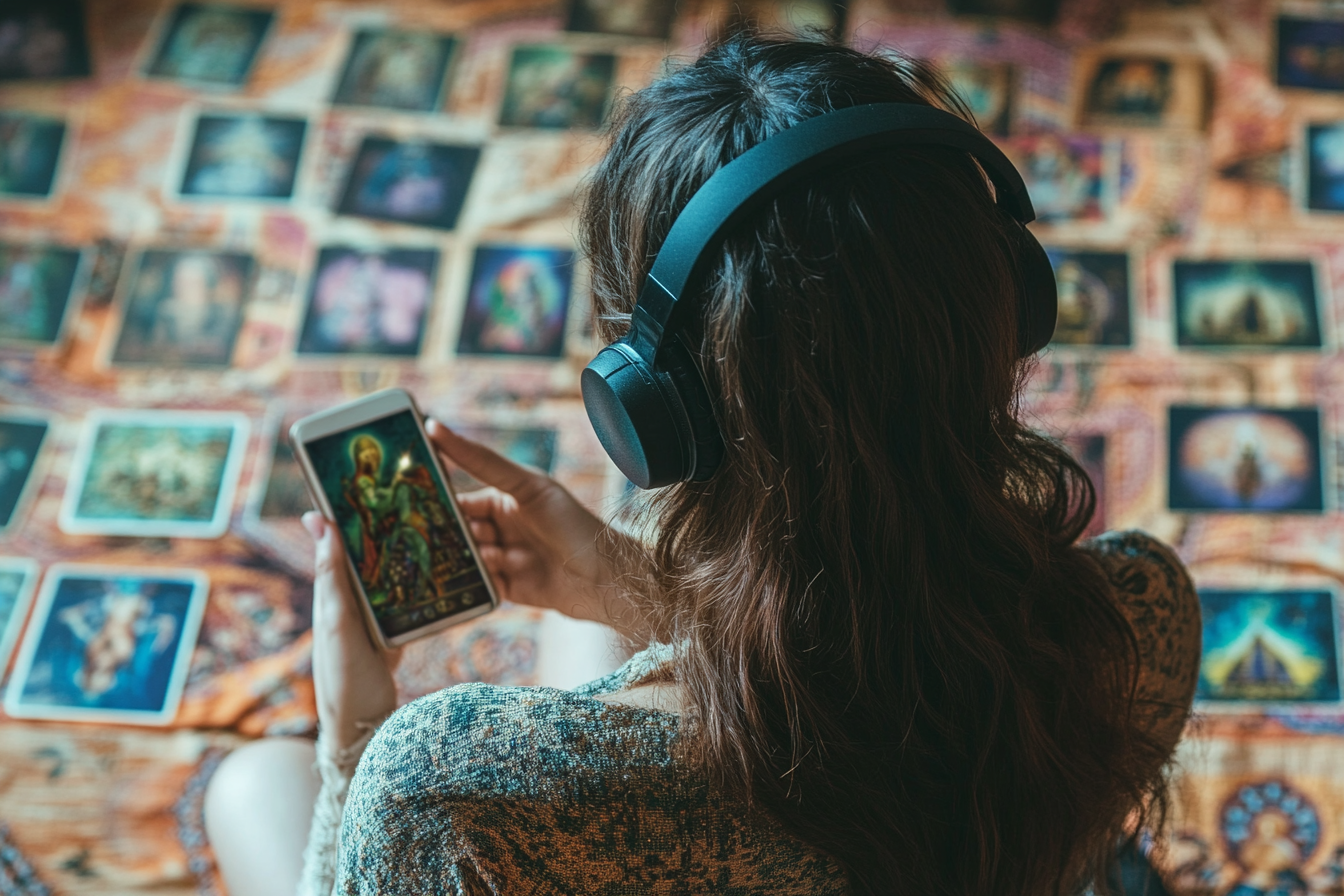
It comes with a song.

Look at the card. Read it. The song plays. Then put the wood down.

Frequently Asked Questions:

Are the daily cards customized to match the type of totem block I choose?

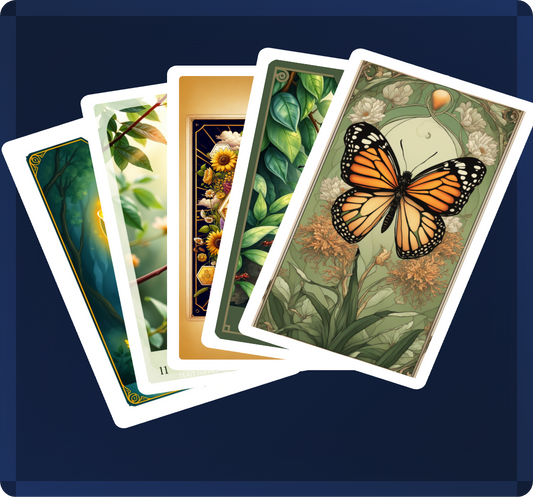
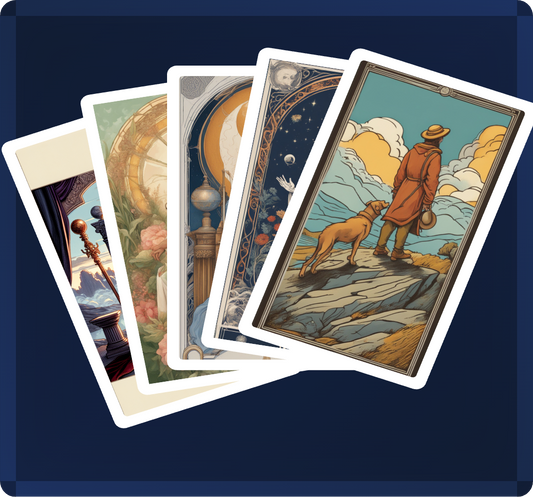
Yes. The tile you buy is the deck you get. Flower is flowers. Loteria is loteria. Traditional is the classic cards. Insects, crystals, animals, plants: same deal. Pick the theme you want to live with.

What can I expect to see when I scan the block each day?

Each digital tarot card includes:

  • Card Image: A visually striking representation of the card.
  • Card Title: The name of the card, setting the theme for your day.
  • Card Description: A brief explanation of the card’s significance.
  • Matching Song: A specially chosen song that resonates with the card’s theme, adding an extra layer of inspiration to your reading.
  • Interpretation: In-depth guidance on what the card might mean for you.
  • Symbolism and Insights: Key symbols and their meanings, helping you dive deeper into each card’s message.

How big is the wooden totem?

About 2 inches square and pencil-thin. Fits in a pocket or on a keychain. Weight about 45 grams. iPhone 7 and newer: hold the top edge of the phone to the tile (Control Center NFC). Android: turn NFC on and try the back of the phone. No app.

Do I need an app or subscription service?

No, there is no app or subscription fees! Just scan the wooden tarot block with any NFC-compatible phone, and you’ll be instantly directed to your daily card. This streamlined approach makes it easy to integrate tarot into your daily life with no extra steps.

Can I use the block on any phone?

iPhone 7 and newer: hold the top edge of the phone to the tile. Android: turn NFC on and try the back of the phone. Most phones from the last few years work. No app.

What should I do if the scan isn’t working?

If the scan is not working:

  1. Unlock the phone. Stay on the home screen.
  2. iPhone: hold the top edge of the phone to the tile, not the camera.
  3. Android: turn NFC on and try the back of the phone.
  4. Restart and try once more. If it still fails, email help@tinytarot.com.

Now, to find the perfect deck for you!

Request a deck